Week-over-Week Changes: What moved and by how much
Top Competitors: Who gained or lost visibility
Top Sources: Most cited domains across AI engines
Recommended Actions: Prioritized next steps based on the week's data
Try it now: Workspace > Notifications (enable per brand)
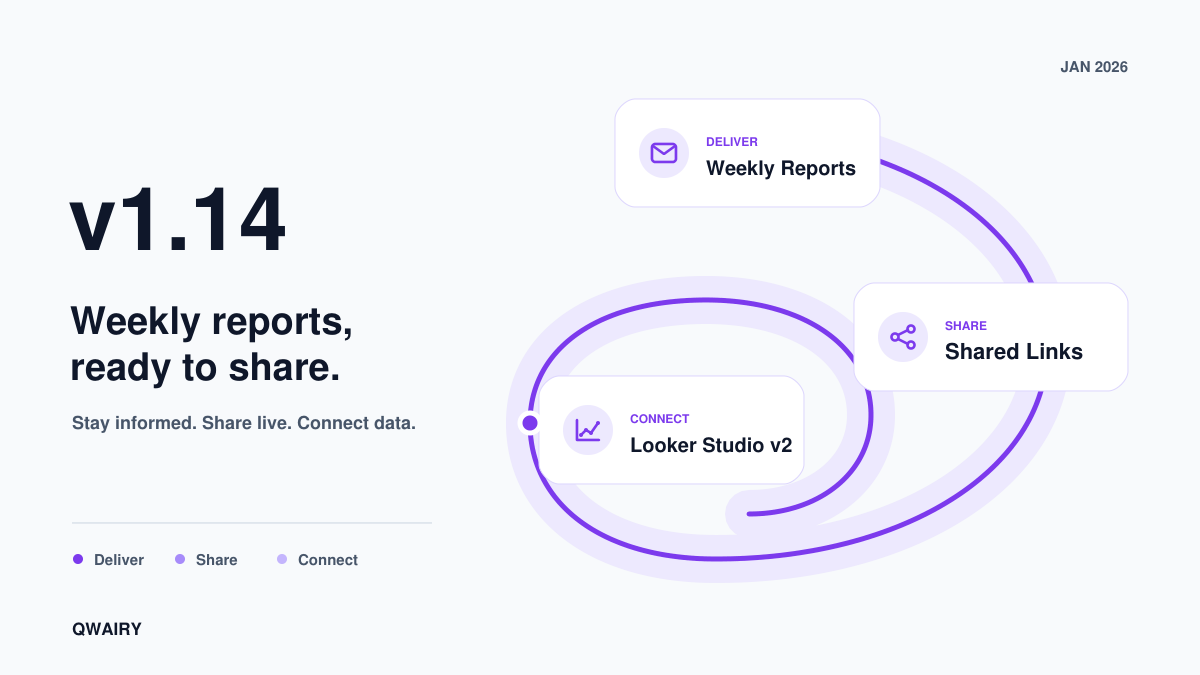
Shared Links
Share your Overview or Brand Perception dashboard with clients and stakeholders. No account needed on their end. Generate a public URL, send it, and they see live data.
Links are token-secured with optional expiration (7, 30, or 90 days), view tracking, and instant revocation. You can also send a link directly by email from the sharing dialog.
Try it now: Workspace > Shared Links
Does AI recommend your brand, or your competitors?
Run a free audit: in a few minutes, ChatGPT, Gemini and Perplexity answer 8 buying questions about your market live, and you see who they recommend.
New AI Models: GPT-5 family (nano, mini, 5, 5.1, 5.2), Claude 4.5 (Haiku, Sonnet, Opus), Gemini 3 (Flash, Pro), Grok 4, and Perplexity Deep Research.
Workspace Prompts & Bulk Actions: Dedicated page to manage all your monitoring prompts. Select multiple prompts or questions and apply actions in batch: delete, regenerate, assign tags or topics. Workspace > Prompts.
To Review (Competitors): Automatic detection of duplicate competitors, domain issues, and flagging. Competitors needing review are surfaced before they enter monitoring.
Technical Module: AI Readiness Score and Site Diagnostics grouped under a single section.
Performance & Reliability: Faster page loads and filtering across the dashboard. Fewer errors, stronger security defaults.
Pricing Simulator: Estimate your monthly credits before choosing a plan. Try it →
Get started with v1.14:
Workspace > Notifications to enable Weekly Reports
Workspace > Shared Links to share data with clients
Team > Integrations to connect Looker Studio (Growth plan)
FAQWhat is the Weekly Report?
An automated weekly email with AI visibility metrics, highlights, competitor analysis, top sources, and prioritized action items. Enable it in Workspace > Notifications.
What are Shared Links?
Public URLs to share your Overview or Brand Perception data with clients or stakeholders. Token-secured with optional expiration and view tracking.
What is new in Looker Studio v2?
13 data sources covering answers, brands, competitors, keywords, local intelligence, overview, prompts, search, shopping, social, source domains, source URLs, and tags.
Track your AI visibility
What does AI tell your buyers about you, and who does it recommend instead?
Track the questions that matter to your business, see which brands each answer mentions and which sources it cites, then work on the gaps.