Loading page

Content Studio creates briefs, outlines and articles from your AI visibility data: six starting points, sources ranked by role, web research and SEO metadata.
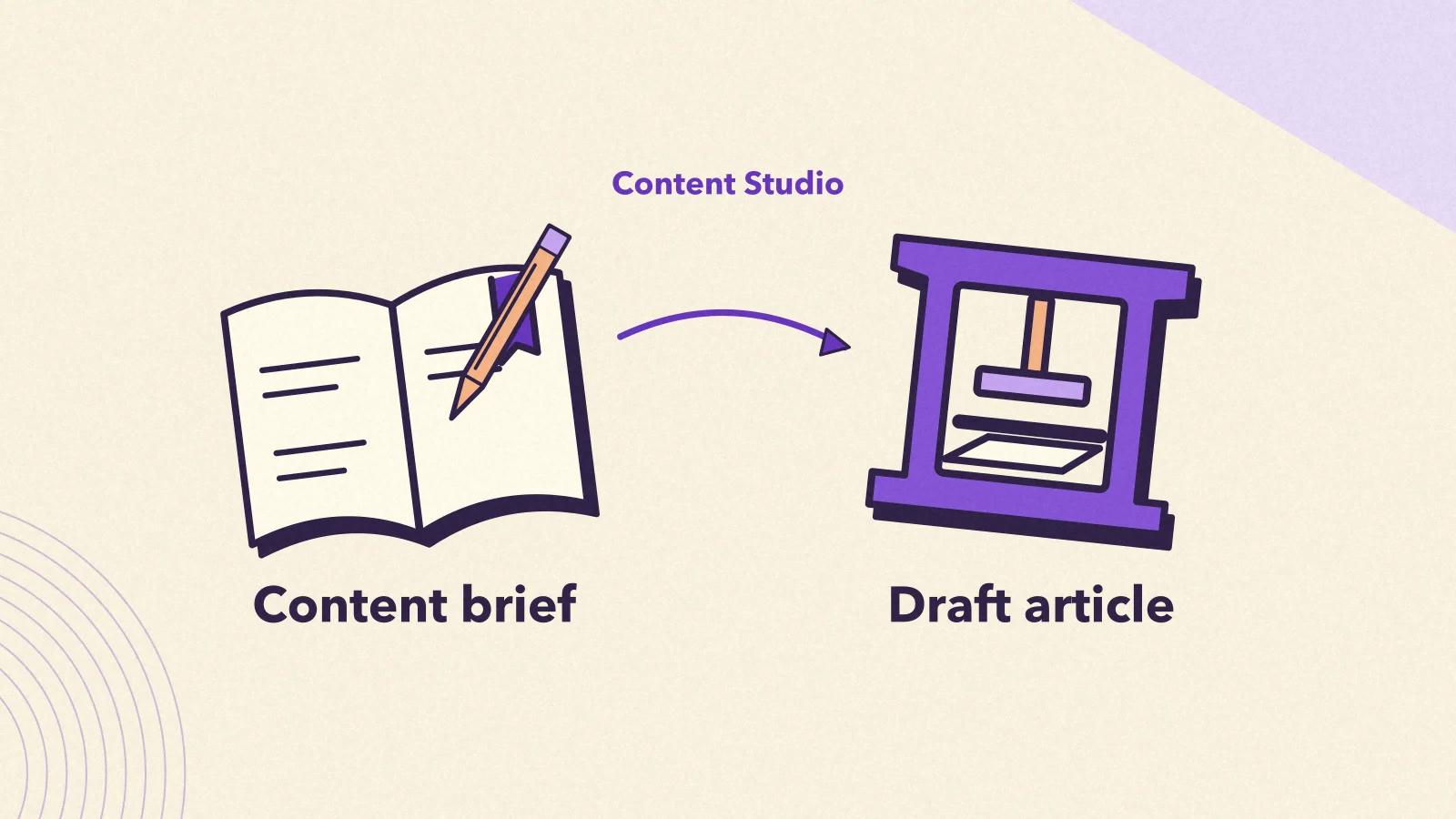
You can generate thousands of articles with AI tools. The problem: nothing guarantees that AI platforms will cite a single one. The gap between AI-generated content and AI-cited content isn't about writing quality. It comes down to the raw material. ChatGPT and Claude don't cite content because it's well written. They tend to cite content that is reliable, current, rich in facts and well positioned. Your competitors already publish "AI-optimized" content. They use the same generic tools and follow the same templates. Much of that content is ignored by AI platforms because it lacks the decisive ingredient: real knowledge of your visibility gaps and of the competition. Qwairy's Content Studio ** addresses this problem.** It builds briefs, outlines and articles from the visibility data measured across AI platforms . Each brief draws on the competitive analysis from your tracking, on sources ranked by role (Competitor, Authority, Inspiration, Reference) and, if you wish, on recent web research. The result is a structured draft, designed to give AI engines good reasons to cite and recommend it. You review it, then you publish it.
Qwairy's Content Studio creates briefs, outlines and complete articles from your workspace's visibility data. Unlike generic AI writers and SEO tools, it offers six starting points drawn from your data (content opportunities, Query Fan-Out, Google Search Console, tracked topics and prompts, citation sources, competitor pages) in addition to the blank canvas. It assigns each source a usage type (Competitor, Authority, Inspiration, Reference or Auto), can enrich the outline with a Perplexity web search and finishes with the SEO metadata. It answers three questions: what to create (gap analysis), how to create it (positioning against competitors) and what matters most (priority score ). Available on all paid plans, in credits: 50 credits per brief, article included, in 45 languages.
The fundamental problem with traditional content generation tools:
❌ Static data
Information that is months or even years old
❌ No competitive intelligence
Blind to what your competitors publish and how AI cites them
❌ Rigid, generic structures
Fixed outlines, disconnected from the competitive context and from your brand's positioning
❌ No link to your AI visibility
The topic is chosen by gut feeling, without knowing which prompts your brand is missing from
❌ Sources with no defined role
Links added at random, with no instruction on how to use them
Result: content that reads well but is rarely cited by AI platforms.
Content Studio is built on a different logic:
✅ Recent web context, as an option
A Perplexity Search on your topic feeds the outline
✅ Competitive analysis from your tracking
Brand gaps, competitor pages and sources cited by AI engines
✅ A brief-driven structure
An outline generated for each brief, which you edit before writing
✅ A measured starting point
Each brief starts from a visibility gap, a query, a tracked prompt or a real page
✅ Sources with a clear role
Competitor, Authority, Inspiration, Reference or Auto: each source gets a usage instruction
Result: a structured draft, positioned from your data, that AI platforms have good reasons to cite.

Content Studio answers the three questions every content lead asks:
What should I create? Content opportunities (with their brand gap and source gap), Query Fan-Out queries and Google Search Console queries point to the topics to cover.
How should I create it? Competitor pages and citation sources show what AI engines already read and cite. The usage type of each source tells you how to use it.
What matters most? The gap scores and the priority shown on each opportunity help you rank topics. Briefs start from your tracking data: you know which content to create and how to position it.
💡 To identify your priority opportunities, explore Content Opportunities and Monitor , which feed Content Studio with strategic data.

Content Studio generates briefs from six starting points drawn from your data. Each one answers a specific strategic question:
1. Content Opportunities: automatic gap analysis
Create content that targets a specific visibility gap, where competitors appear without you. The brief carries over the brand gap (as a percentage) and includes the competitor sources and the cited sources linked to the opportunity.
2. Query Fan-Out: discovered queries and long tail
Generate content for the search queries that AI engines run to build their answers (query fan-out ). Users explore dozens of related questions: each one is a chance to extend your coverage of a topic.
3. Google Search Console: turn your SEO performance into GEO content
Start from the queries your site already appears for in Google, once Google Search Console is connected. You build on existing visibility to extend it into AI answers.
4. Tracked topics and prompts: start again from what you already track
With "From Topics", choose a tracked topic, up to 5 of its prompts and up to 10 of the sources cited in the answers. You see how AI platforms present your brand today compared with your competitors. The same starting point exists from a prompt's page.
5. Citation sources: build authoritative content
With "From Citation Source", spot what AI platforms already cite, then create similar content that sends comparable authority signals. You can also start a brief from a specific page of a source.
6. Competitor pages: outdo a specific piece of content
With "Outrank Competitor", choose one of your tracked competitors and one of its pages, then create a stronger alternative that fills the gaps in the original page.
And the blank canvas: no source material, complete creative freedom
You configure every detail yourself in the following steps.
Content Studio doesn't just collect URLs. Each source added to a brief gets a usage type that tells the writing AI how to use it. Qwairy suggests a starting type based on where the source comes from (a competitor page, a citation source, an institutional or media domain, for example), and you can change it source by source in the brief's Configuration tab.
Competitor: analyze to create superior content
The AI is instructed to identify the page's content gaps , weaknesses and opportunities, then to produce content that outdoes it in quality, depth and value.
Authority: cite for credibility
The AI is instructed to back its claims with the source and to cite it appropriately in the article.
Inspiration: a guide to structure and topics, with no direct citation
The AI draws on the source's structure, approach and ideas without citing it.
Reference: facts and data
The AI is instructed to rely on the source for facts, statistics and figures, and to cross-check the information.
Auto: the AI determines the most suitable use
The AI chooses how to use the source based on its content and relevance.
These instructions steer the AI toward differentiated content: competitor sources are used to outdo them, authority sources are cited, and your brand's positioning stays distinct. Sources are passed to the AI as links along with their usage instruction, within a limit of 10 per brief.

An AI model writes from knowledge frozen at a given date. To bring in recent context, Content Studio offers the Enhance with Perplexity Search option, in the "Research & Data" section of the wizard. Depending on the starting point, it is enabled by default or left for you to tick. When it is on, a Perplexity web search is run from the brief's title and description. It brings back current facts, recent developments, figures and context. You can find this search in the brief (the "Enhanced Search" block), and it is used to build the article's outline. It costs no extra credits. This search supplies up-to-date material. It does not verify every claim in the final text: the article remains an AI-generated draft that you review before publishing, as the interface reminds you. Content that relies on current data and identifiable sources is more likely to be judged useful than text frozen at the model's training date.
Run a free audit: in a few minutes, ChatGPT, Gemini and Perplexity answer 8 buying questions about your market live, and you see who they recommend.
Each article draws on three sets of information:
Your brief
Your visibility data
Your sources and your context
Each brief thus keeps a record of its starting point and its sources.
Content Studio guides you through a structured path, from the brief to the SEO metadata. You start a brief with New Brief in Content Studio, or directly from an opportunity, a query, a prompt, a source or a competitor.

The Content Studio wizard has four screens:
Content Studio supports 45 languages, including English, French, German, Spanish, Italian, Portuguese, Dutch and Polish. The language you choose applies to the brief, the outline, the article and the metadata. One click on Create Content creates the brief and debits 50 credits. When you start from an opportunity, a query, a prompt or a source, the "Create Content Brief" window generates the brief for you (title, description, article type and detailed guidelines): all that's left is to choose the language and the article type, or leave it on Auto. The brief then opens in the Configuration tab, where you find the settings, the sources with their usage type and, if enabled, the Perplexity search.

In the Outline tab, one click on Generate Outline proposes a heading hierarchy (H1 to H4) built from:
You edit each heading, add or remove sections and reorder them by drag and drop. The outline is locked once the content has been generated, to keep the article consistent.

In the Content tab, Generate Content writes the complete article following the outline. The writing AI receives the brief, the outline, your guidelines, the target length (3,000 words at most), the language, your brand context and your sources, each with its usage instruction. The article includes:
The article opens in an editor: you edit it, switch between preview and Markdown, then copy it or export it as Word (RTF), PDF, Markdown or HTML. This text remains an AI-generated draft: review it and check the figures and claims before publishing. Content Studio does not check them automatically.

In the Metadata tab, Generate Metadata produces, from the finished article and in its language:
Each step builds on the previous one: the outline follows from the brief, the article follows the outline and the metadata follow from the article. You track progress with the article status (Draft, Review, Live or Archived).
The AI content market covers several categories of tools, each with its own starting point. They evolve quickly, and some add AI visibility tracking features: always compare what each tool actually measures.
What they do: generate text from a free-form brief and a model's knowledge, with ready-made content templates.
Points to watch:
What you get: fast generation, useful for a first draft, but with no direct link to what AI platforms say about your brand.
What they do: optimize content for search engines based on keyword analysis and the pages that rank.
Points to watch:
What you get: content well optimized for traditional search, with a more or less direct link to your AI visibility gaps.
One dashboard with your latest visibility scores, your position model by model and how you compare with competitors.
What they do: organize content strategy, topic clusters and editorial workflows.
Points to watch:
What you get: an editorial plan and a calendar, which you have to connect to your AI visibility data yourself.
What sets Content Studio apart:
A system connected to your tracking
The brief is born in your Qwairy workspace, from your content opportunities, Query Fan-Out, your tracked topics and prompts, your citation sources, your tracked competitors and Google Search Console.
Six starting points, plus the blank canvas
Content opportunities, Query Fan-Out, Google Search Console, topics and prompts, citation sources and competitor pages: each starting point meets a different need.
Sources with a usage type
Competitor, Authority, Inspiration, Reference or Auto: each source gets a clear instruction, editable source by source.
Recent web context, as an option
Perplexity Search brings current context to the outline.
A complete path, with you in control
Brief, outline, article, SEO metadata: you review and edit at every step, and the article still needs a review before publishing.
A clear cost
50 credits per brief, article included, on all paid plans.
A general-purpose AI writer quickly produces text, usually without knowing what AI engines cite today. An SEO tool optimizes for Google first. A planning tool organizes the editorial calendar.
Content Studio connects the steps that matter for GEO: spot a gap in your tracking, choose the brief to work on, generate the outline and the article with the right sources, then follow how your visibility evolves in Qwairy. This link to your tracking data is what sets Content Studio apart from a general-purpose AI writer.
Ready to create content that AI platforms have a reason to cite? In your Qwairy dashboard, open Content Studio in the Act category. For an overview of the category, see the Act page. Content Studio connects to your tracking data, your gap analysis and your competitive analysis.
Three ways to start:
Option 1: Content Opportunities: start from your biggest visibility gaps. You see where competitors appear without you, and you create a brief in a few clicks from the opportunity.
Option 2: Query Fan-Out: capture long-tail opportunities. Spot the queries AI engines run on your topic and create a brief for the ones you don't cover yet.
Option 3: a source or a competitor page: from the page of a source or a competitor, create a brief from a specific page, with the right usage type. Each brief carries over its starting point and its sources: all that's left is to review, adjust and publish. Stop publishing content nobody cites. Create content designed to be cited.
Track the questions that matter to your business, see which brands each answer mentions and which sources it cites, then work on the gaps.
Free plan with 120 initial credits • No credit card required
Other Articles
Prompt Discovery: A Free Tool to Find the AI Prompts Your Customers Use
Prompt Discovery is a free Qwairy tool that reads your website and generates the AI prompts your customers are likely to type, organized by topic, funnel stage and intent.
Source Authority: Find the Sources That Shape AI Answers
Source Authority reveals which domains consistently shape monitored AI answers, turning citation reach, consensus, momentum, breadth, and context into a practical source strategy.